
How To Publish On KDP In 5 Simple Steps
In this article we teach authors how to publish on KDP (Kindle Direct Publishing) in 5 Simple Steps. We take the mystery out of the industry and teach authors how to self publish today!
Step 1 – Have Ready To Print File
The first step in getting your book uploaded onto Amazon is having everything finalized to the T. This means having your book edited, formatted, ISBN, Barcode, LCCN, and Cover Design. If you have not done so already please stop here and go check out our article How To Self Publish A Book In 8 Simple Steps. We also have articles on our Author Resources page that go more in depth about all 8 steps to self publish. Once you have followed all of the steps up until uploading on to your print on demand service, continue to read step 2.
Step 2 – Create KDP Account
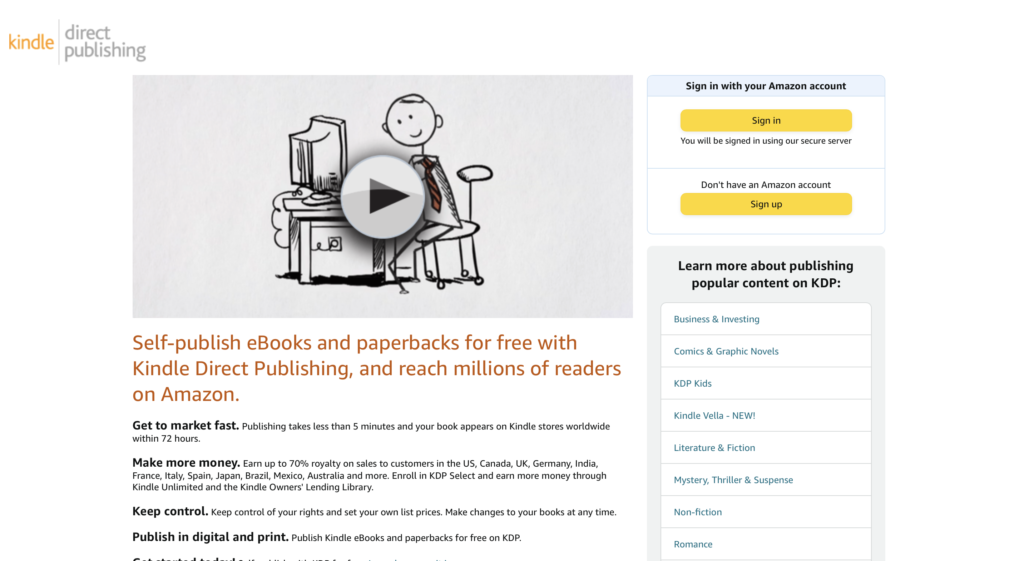
Now that you have your formatted PDF file of your hardcover (or ePub for ebook), registered ISBN, Barcode, and LCCN, and a jpg/png cover design, you can start to upload onto Kindle Direct Publishing, hosted by Amazon. This process is very intuitive and takes only a minute to get set up.
Step 3 – Fill Out Info For Each Book Format
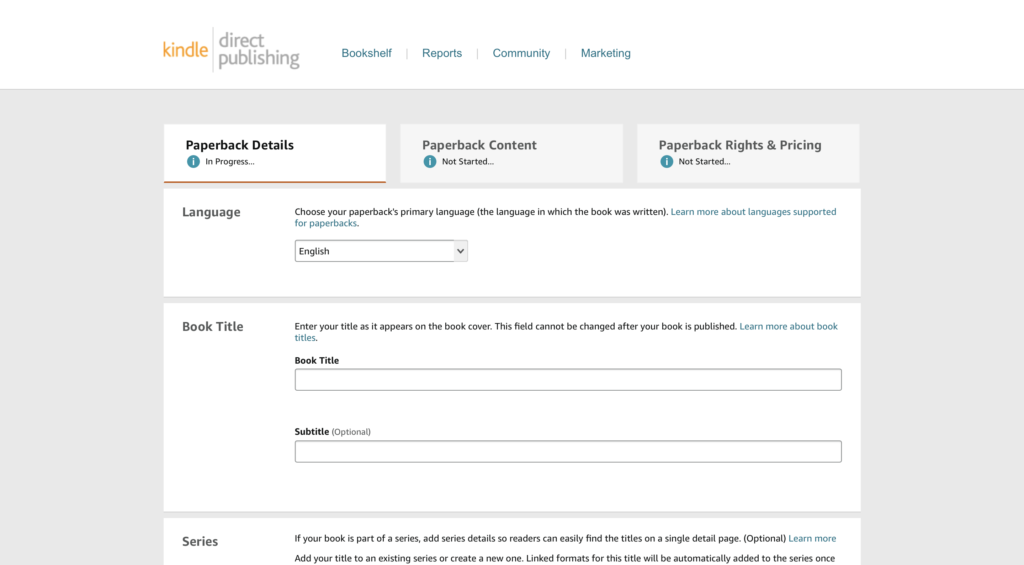
Now that you have created your KDP account, you can select the format version you would like to upload first and fill out all of the required information. Information you will need includes: Book Title, Author, Book Description, Keywords, Categories. You can then upload the ready-to-print pdf manuscript and png/jpg cover design.
Step 4 – Request Proof Copy
Now that you have everything uploaded and ready to go, we highly advise you to request a proof copy of your book before you publish. This way you can check to make sure that all of the pages and cover print correctly, and you will know if you need to make any last minute edits before sharing your work with the world. To do this, simply go to your Amazon account and you will find that an Author’s Proof Copy of your book will automatically be in your shopping cart. Simply pay for the price to print, and shipping, and your proof copy will be in your hands in about a week!
Step 5 – Publish
Now that you have reviewed your Authors Proof Copy and are ready to publish, simply go to your KDP account, go through the uploading process and press publish. Hooray! In 3-5 days your book will officially be up for sale on Amazon! Now the real journey begins.
Learn From Authors With Success!
Owner of Scherr Publishing and Author Kenneth Scherr is spilling the industry beans by layout out exactly how to find a professional editor without the help of some fancy publisher who charges an arm and a leg. We are committed to our mission of helping struggling self-publishing authors accomplish their dream and vision to be the number one resource for self-publishing authors. If this has helped please share this with your author friends or leave a comment to help spread the knowledge!
To see how this process turned out for Mr. Scherr, check out his book “Behaving As US” on Amazon, and if you have any more questions about self-publishing please email us at info@scherrpublishing.com or leave a comment below!
Looking For A Good Read?
Having trouble finding your next book to read? Check out our article on the Top 5 Best Political Books Of All Time To Read Now! In a time of growing political tension and conflict, it will be helpful to revisit the best political books of all time.